Run your apps efficiently on every server. Manage them all from one place.
SyncBridge runs each app as a single process rather than a container, so the same server carries far more. Install ready-made modules or write your own, then watch over and manage the apps on all your servers from Console.
A process, not a container
A container brings an image and an operating system layer with it. A SyncBridge worker is one process - so the same server runs many more apps.
What you can run
If it can be written as an app, it runs on SyncBridge.
Services and microservices
HTTP APIs and background services, each in its own process.
Device and protocol integrations
HL7, serial ports, TCP sockets, Kafka: the systems on the floor, connected.
Scheduled jobs
Periodic tasks, reports and clean-ups, run on time and watched.
Data transfer and transformation
Bridges between systems, database synchronization, message routing.
…and whatever you think of next.
One platform, three sides
Use apps, manage the servers they run on, and build new ones.
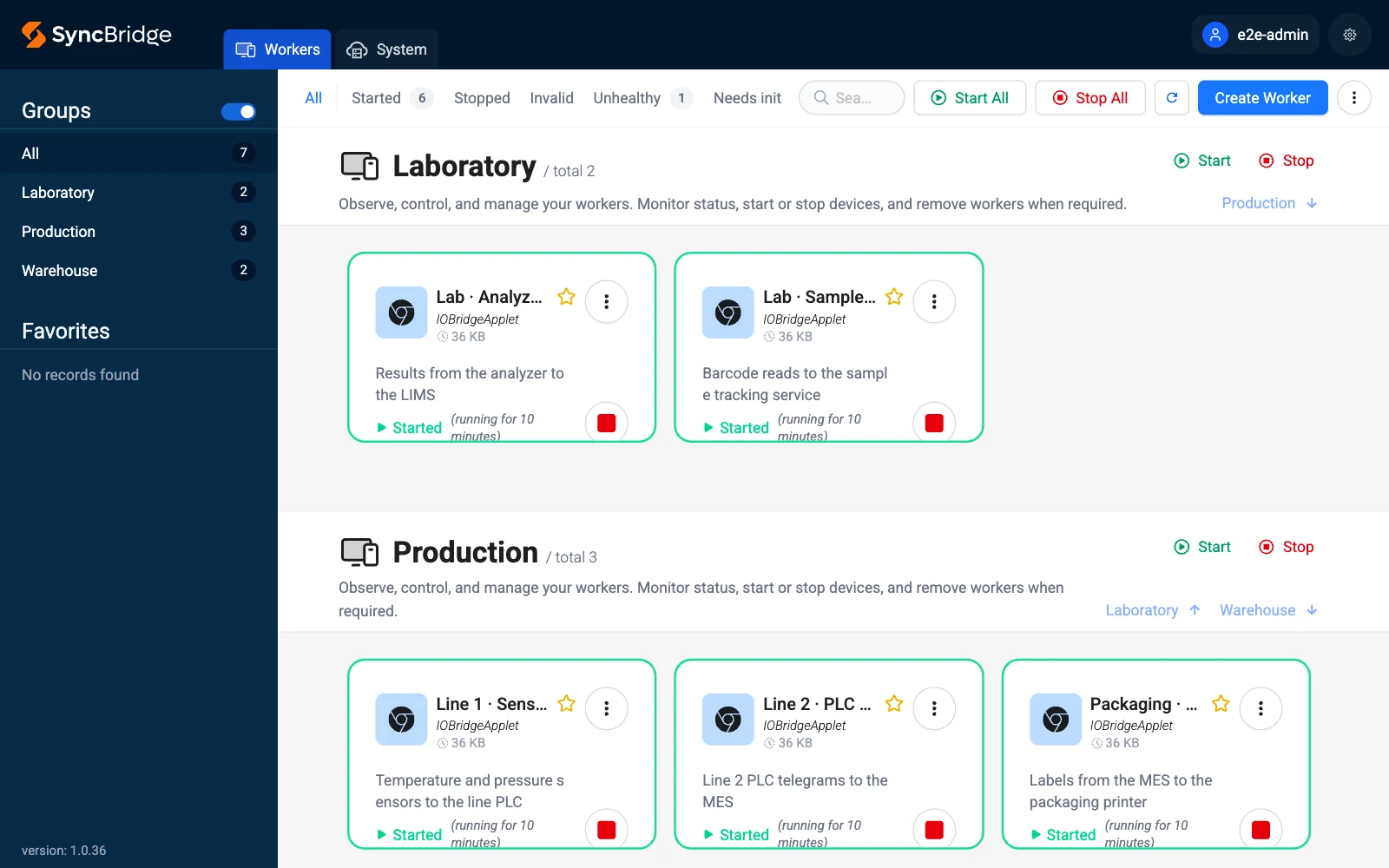
On your servers
Install apps from the Marketplace, configure them in the interface and run them as workers.
- Configured with forms, not code
- Each worker isolated, restarted by itself
- Live logs and health on the server
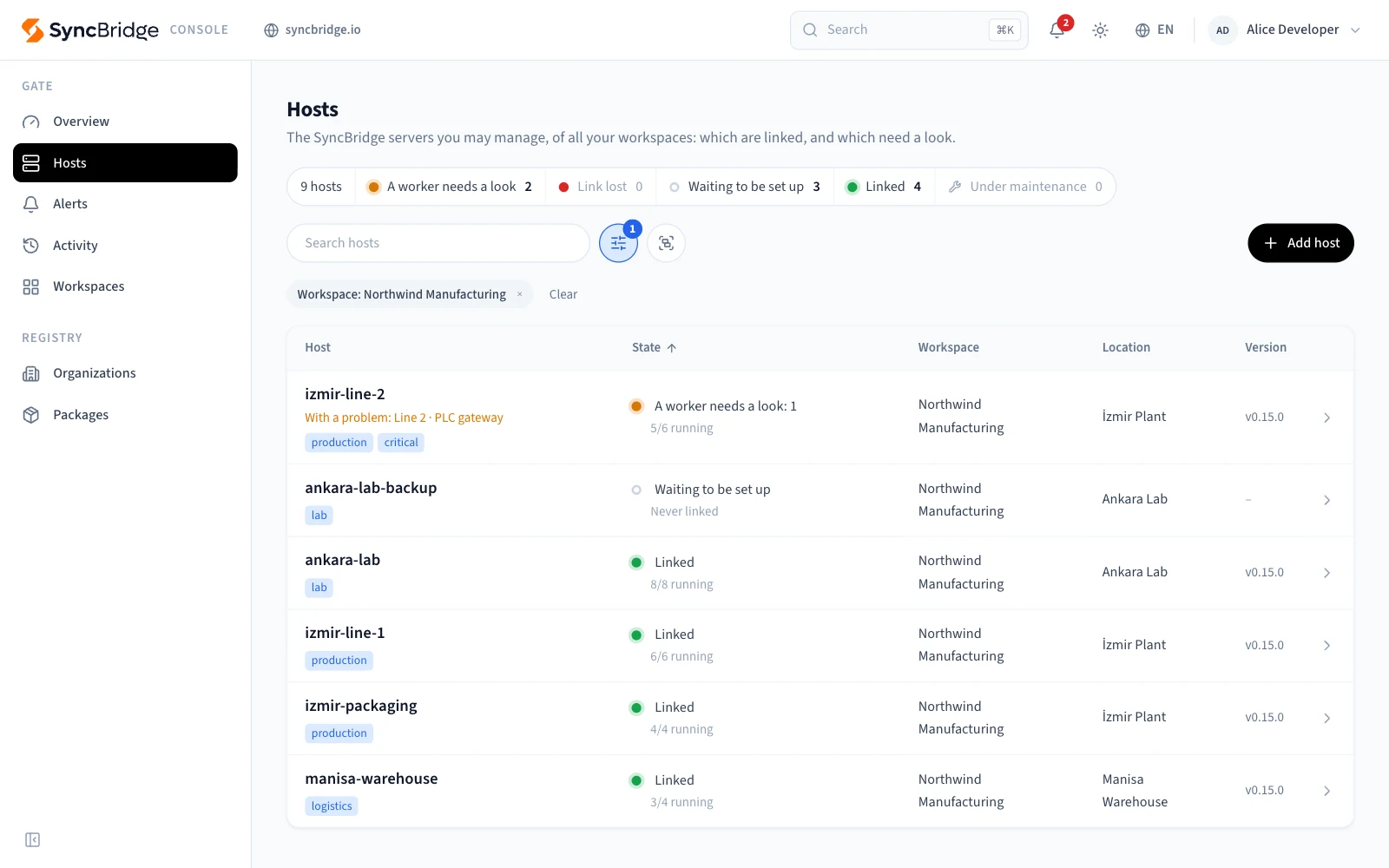
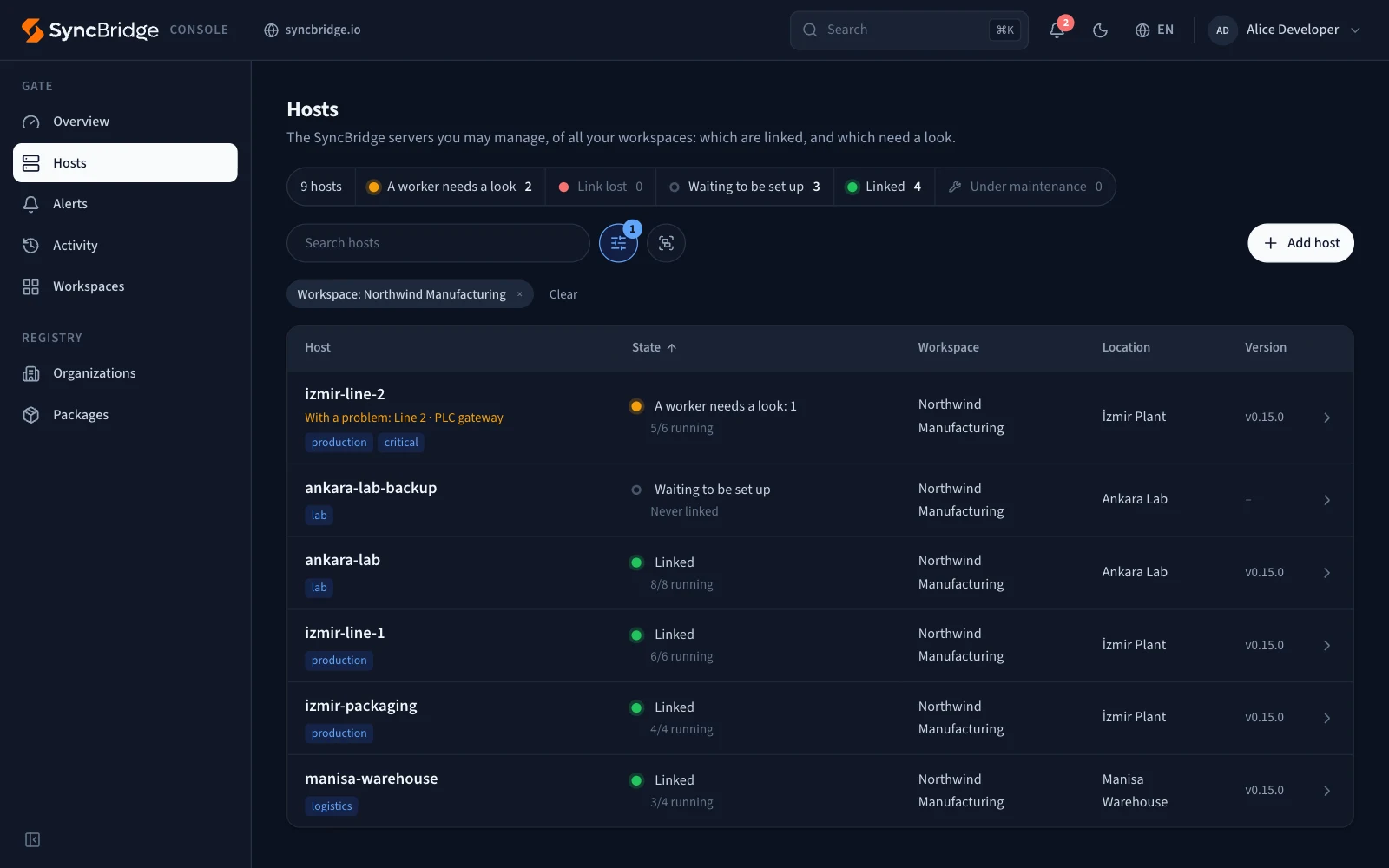
SyncBridge Console
All your servers in one place, reached without opening a port.
- Workspaces, members and roles
- Alerts when a server or a worker is in trouble
- Signed updates, rolled back by themselves
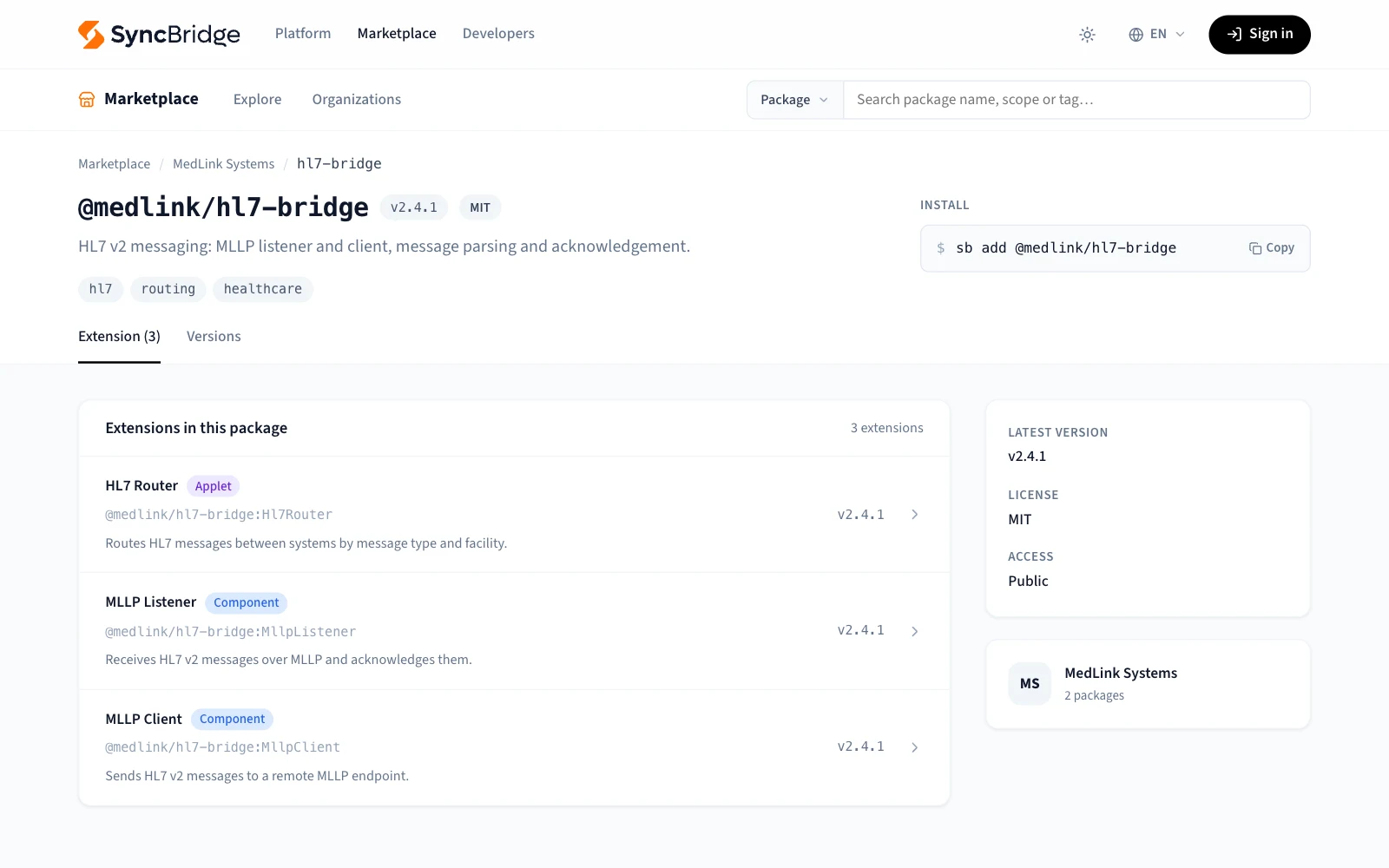
Marketplace
Apps to install, and component packages to build new apps from.
- Published publicly or commercially
- TypeScript types, without the source code
- Versioned, under your organization
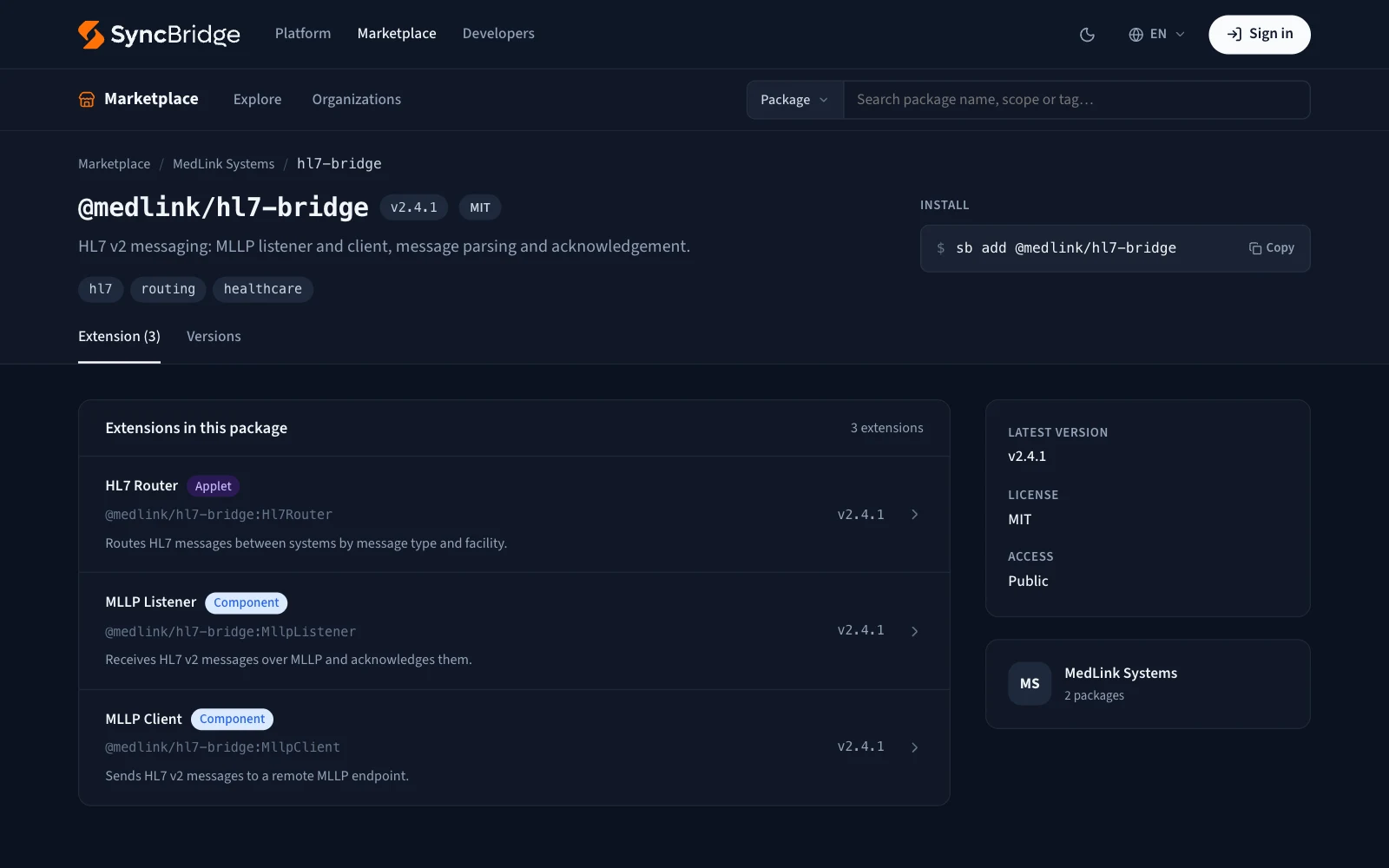
Build on SyncBridge, publish on the Marketplace
The Marketplace carries ready apps, and the component packages new apps are built from.
Apps and components
Publish complete apps for users to install, or building blocks - connectors, protocols, transformers - for other developers.
Public or commercial
Share your packages for free, or offer them commercially.
Types without the source
A component's TypeScript types are served by themselves while its code stays closed: whoever uses it gets full autocompletion.
Built for apps that must not stop
What runs has to keep running; what goes wrong has to be seen.
Isolated workers
Each app runs in a process of its own: one failing never takes the others down, and it starts again by itself.
Configured in the interface
Every app describes its settings; you fill them in a form, with no files to edit.
No open ports
Servers link out to Console, so you reach them from anywhere - even behind a firewall.
Workspaces and roles
Workspaces, locations, members and roles: who may see or run what, on which server.
Safe updates
Signed release packages, a trial run, and the way back taken by itself if the new version fails.
Live logs
Every worker's logs and health, live - on the server, and through Console.
How it works
From a bare server to apps you manage from anywhere.
- 1
Install SyncBridge on a server
One Docker Compose file; SyncBridge and its web interface run on a single port.
- 2
Add apps from the Marketplace
Install them, configure them in the interface, and they run as workers.
- 3
Link it to Console
Give the server its key: it links out to Console, and you manage it from there on.
Get started in a minute
All a server needs is Docker. Save this as docker-compose.yml:
name: SyncBridge

services:
  syncbridge:
    image: panates/syncbridge:latest
    container_name: syncbridge
    restart: unless-stopped
    network_mode: host
    privileged: true
    volumes:
      - './config:/syncbridge/config'
      - './data:/syncbridge/data'
      - './logs:/syncbridge/logs'
Then start it:
docker compose up -dSyncBridge is at http://localhost:5001 - set up its first user there.